
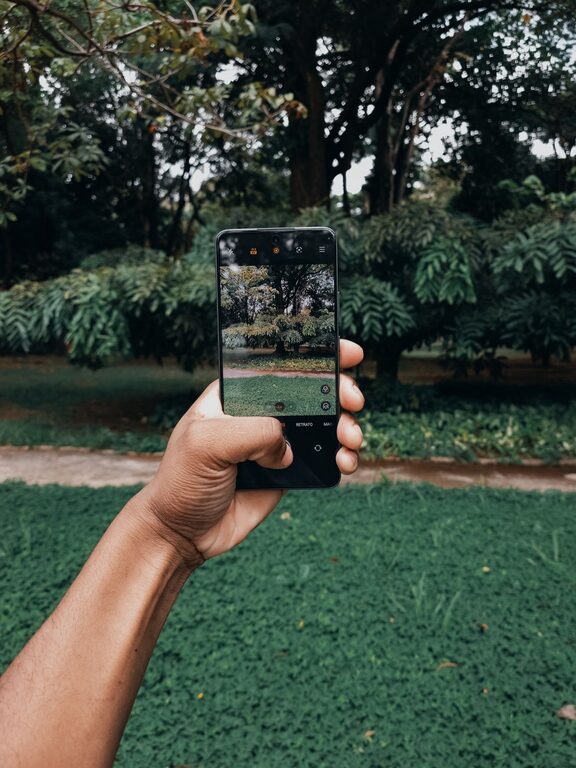
Taking great photos with your phone is easier than you might think. With a little practice and some simple techniques, you can start capturing beautiful, clear, and engaging images that stand out. Whether you’re snapping pictures of friends, nature, or everyday moments, these beginner tips will help you make the most of your phone’s camera.
Understand Your Phone Camera
Before diving into shooting, spend some time exploring your phone’s camera features. Many smartphones come with multiple lenses, different modes, and settings that can enhance your photos.
– Learn the basics: Open your camera app and try out various modes like portrait, panorama, and night mode.
– Check the resolution: Use the highest resolution setting available for better photo quality.
– Explore manual options: Some phones allow manual control over focus, exposure, and white balance—experiment with these if available.
Keep Your Lens Clean
A simple, often overlooked step is cleaning your camera lens. Fingerprints, dust, and smudges can make photos look blurry or hazy.
– Use a soft microfiber cloth to gently wipe the lens before shooting.
– Avoid using rough materials that could scratch the lens.
Focus on Composition
Good composition helps make your photos more visually appealing. Here are some easy rules to follow:
Use the Rule of Thirds
Imagine your frame is divided into a grid of nine equal parts by two horizontal and two vertical lines. Position important elements along these lines or at their intersections to create balance.
Most phone cameras have a grid option you can enable to help with this.
Pay Attention to Lighting
Lighting can make or break a photo.
– Use natural light: Whenever possible, shoot in natural light rather than using the flash.
– Avoid harsh midday sun: It can create unwanted shadows. Early morning or late afternoon (golden hour) light is often best.
– Experiment with backlighting: Place the light source behind your subject for dramatic effects, but be mindful of exposure.
Simplify the Scene
Cluttered backgrounds can distract from your main subject.
– Look for clean or neutral backgrounds.
– Move closer to your subject or change your angle to minimize distractions.
Hold Your Phone Steady
Shaky hands can cause blurry photos.
– Hold your phone with both hands and keep your elbows close to your body.
– Lean against a stable surface if possible.
– Use the volume button or a timer to avoid shaking when pressing the shutter.
Use Zoom Sparingly
Digital zoom reduces image quality, so avoid zooming too much.
– Instead, try to move closer to your subject.
– If you must zoom, keep it minimal.
Experiment with Angles and Perspectives
Don’t just shoot from eye level. Change your perspective to add interest.
– Get low and shoot upward.
– Try shooting from above.
– Move around your subject to find the most flattering angle.
Take Multiple Shots
Sometimes the perfect photo comes after a few tries.
– Take several pictures of the same scene with slight variations.
– Review and delete the ones that don’t work to save space.
Edit Your Photos
Basic editing can enhance your photos significantly.
– Use simple editing apps on your phone to adjust brightness, contrast, and saturation.
– Crop to improve composition.
– Avoid over-editing; aim for natural-looking results.
Practice Regularly
Like any skill, photography improves with practice.
– Try taking photos daily.
– Challenge yourself with different subjects and lighting conditions.
– Review your photos to see what works and what can be improved.
Summary
Improving your phone photography doesn’t require expensive equipment or advanced skills. By understanding your camera’s features, focusing on good composition, paying attention to lighting, and practicing regularly, you can capture photos that you’ll be proud to share. Remember to keep your lens clean, hold your phone steady, and don’t be afraid to experiment with angles and editing. Most importantly, have fun capturing the world around you!